
LidAndSeek
Find anything you've stored. For iPhone, from Risei Enterprises LLC.
What it does
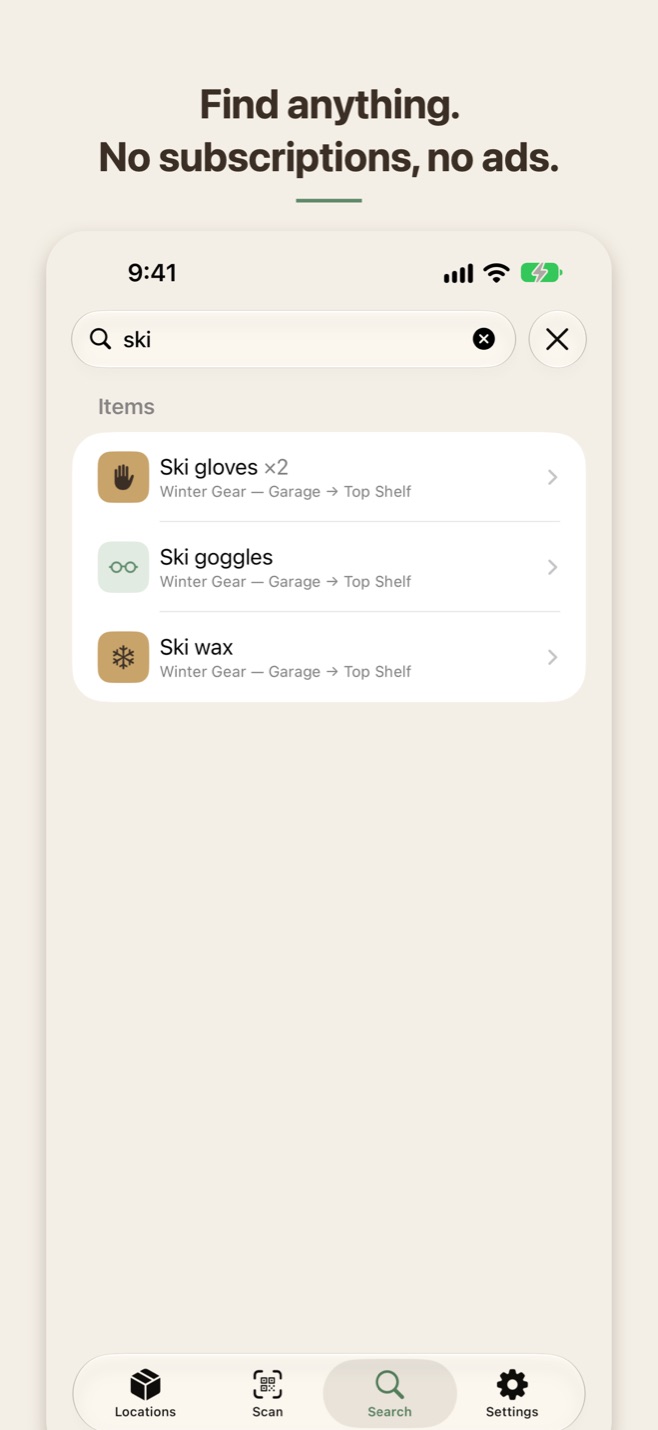
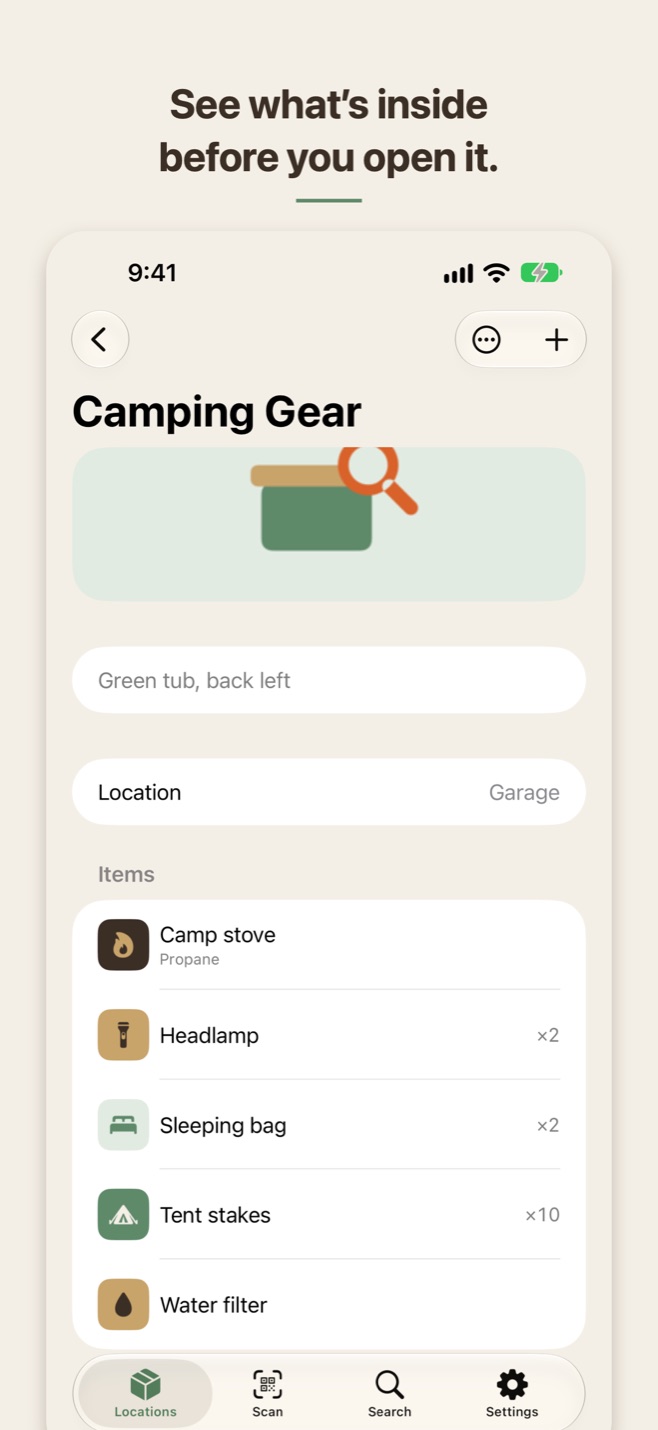
Give every storage container a label and a photo of its contents. Add the items inside by hand, or photograph them in a row while on-device Smart Naming suggests names. Then find anything three ways: search by name, scan the label on the box, or ask Siri.
Organized your way
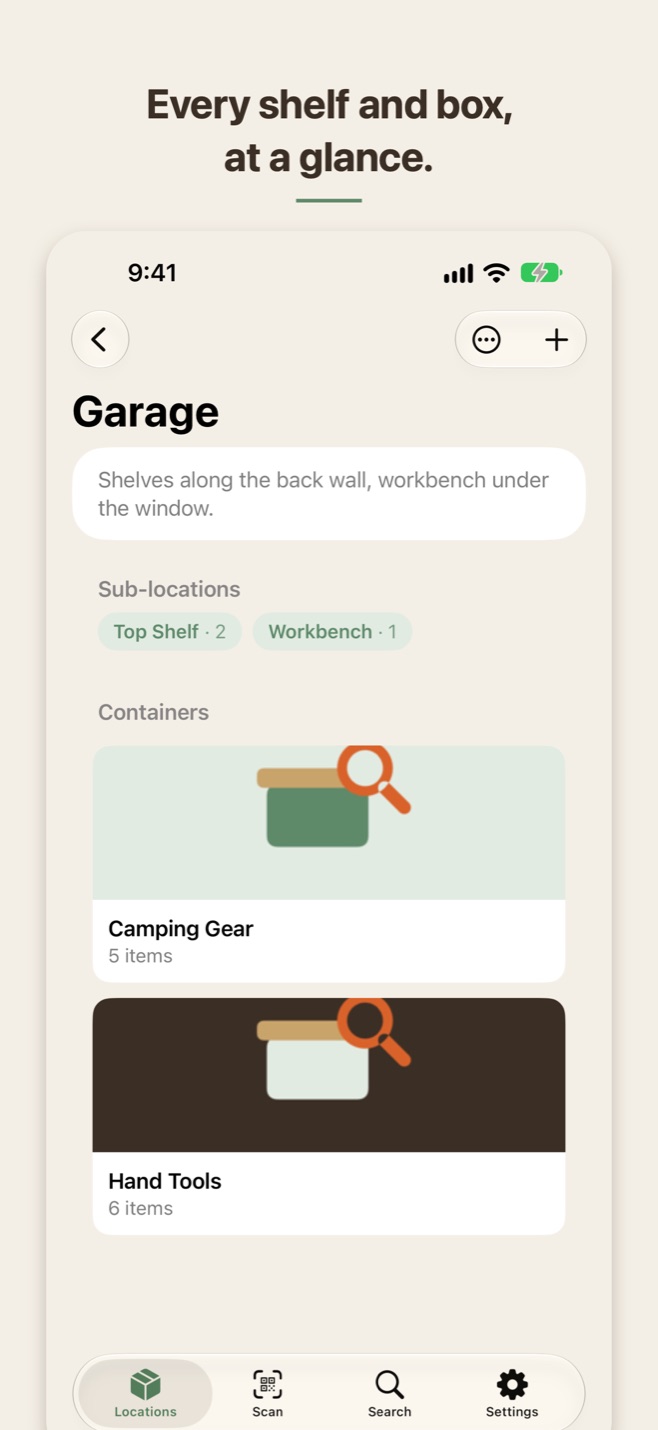
Locations and sub-locations, so Garage → Top Shelf is one tap away, with photo-forward cards for each container.
Labels that work
Print QR labels on Avery sheets, link codes you already own, or write the label to an NFC sticker. Scan or tap to open the box.
Ask Siri
“Where are my ski goggles in LidAndSeek?” answers without opening the app, and a tap opens the container.
Home Screen widget
Your inventory counts at a glance, with Search and Scan one tap away.
Private by design
No account, no tracking. Your inventory syncs through your own private iCloud, and photo analysis runs entirely on your iPhone.
Your data, portable
Export everything to a CSV spreadsheet whenever you like.
Pay once
No subscription, no in-app purchases, no item limits, no ads. Everything is included.
Requires iOS 17 or later. NFC and Apple Intelligence features depend on device support.